Your guests are on their phones. seeQRmenu menus load fast, read clearly in dim dining rooms, and work without pinch-to-zoom PDF frustration.
The problem
PDF menus on phones require constant zooming and scrolling sideways. Slow-loading pages frustrate guests before they order. Desktop-first designs break at the table.
How seeQRmenu helps
Every seeQRmenu menu is built mobile-first: large tap targets, readable type, fast initial load, and category navigation that works one-handed while holding a drink.
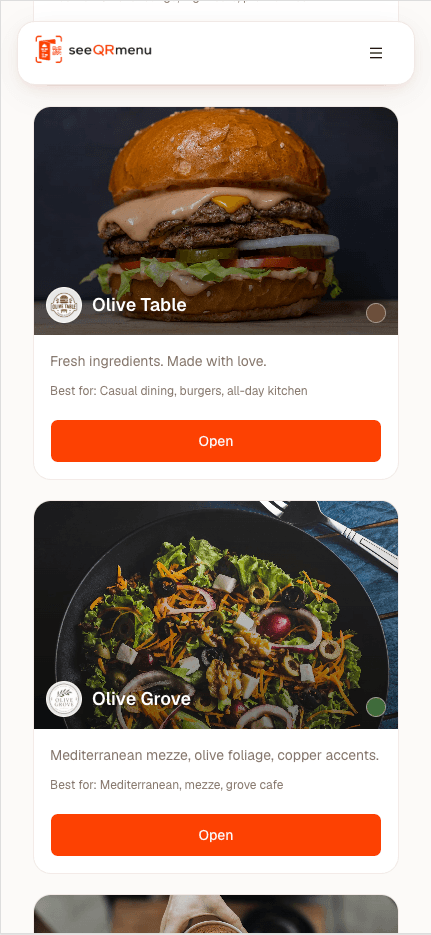
Lightweight pages load in seconds even on restaurant Wi-Fi. Guests start browsing immediately after scanning.
Font sizes and contrast tuned for arm's-length reading. Works in low light without squinting.
Category tabs, sticky headers, and scrollable item lists designed for thumbs — not mouse cursors.
Camera app opens the menu URL. No app store, no login, no friction.
Optimized assets and caching deliver a fast first view of your categories and featured items.
Clear hierarchy helps guests choose faster. An optional local cart can save picks on their phone — it never sends orders to your kitchen.
High-contrast design keeps menu text legible when candles are the main light source.
Concurrent scans from a busy table do not slow down — menus are statically cached at the edge.
Send us your current menu and we will prepare a personalized preview using your logo, colors, and a selection of your actual items.
No commitment. No payment details required for the demo.